
Ogi3 Bioreactor – Wi-Fi Connection Guide
All Ogi3 Bioreactors can connect to local Wi-Fi networks to enable monitoring and control of cultures remotely via the Ogi3 Web App.
Wi-Fi network requirements
- Wi‑Fi network to be discoverable – the device must be able to see and select your network from the Wi‑Fi menu on the unit.
-
- Operates in the 2.4 GHz band. Ogi3 cannot connect to 5 or 6 GHz Wi-Fi networks.
- Uses compatible security protocols. Common protocols Ogi3 can connect to are: WPA2, WPA2 / WPA3 Enterprise or WPA3 Enterprise PEAP/MCHAPv2 networks. Ogi3 will not connect to WPA3 Enterprise EAP/TLS. If you are unfamiliar with these protocols, speak to your IT.
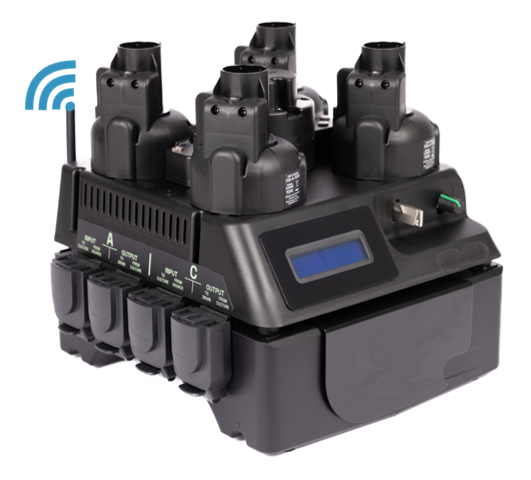
Connecting Ogi3 to Wi-Fi
To connect an Ogi3 to your Wi‑Fi network, you will need:
- Network credentials – you’ll need the correct login details (for example a password, or sometimes a username and password depending on the network type).
 The Ogi3 cannot connect to Wi Fi networks that require a browser login portal (for example captive portals).
- Password/username length– before entering credentials, the device asks you to input the number of characters in that value. SSIDs (network names) longer than 32 characters or credentials (user name, password) longer than 64 characters are not allowed.
- Power cycle after connecting – once the network is connected, the unit must be powered off and back to connect to the network.
Adding the device to the Web App.
After it’s online, the device can then be added to the Web App using its MAC address.
The Ogi3 will not connect to the Web App if it has not been registered. The Wi-Fi connection will work but no data will be transmitted between the unit and the Web App.
To find the MAC address for your Ogi3 use the Twist/Push Button to navigate to the Wi-Fi menu. Once in the Wi-Fi menu options scroll to MAC Address and push the button to reveal.
If in doubt, consult the instructions on the Web App, talk to our AI Fin agent, or customer support.
Have an issue with Wi-Fi connection?
Subscribe to our Newsletter
The latest news, articles, and resources, sent to your inbox.